Start with a clear photo.
Use even lighting and a visible face or vehicle. Blurry references give a video model less information to work with.
CAR DRIVING AI VIDEO GENERATOR / PREVIEW
Plan a cinematic driving clip. Pick the atmosphere, frame the shot, and take your creative brief into a video generator.
Build your driving sceneFree local preview · No account · Your photo stays here
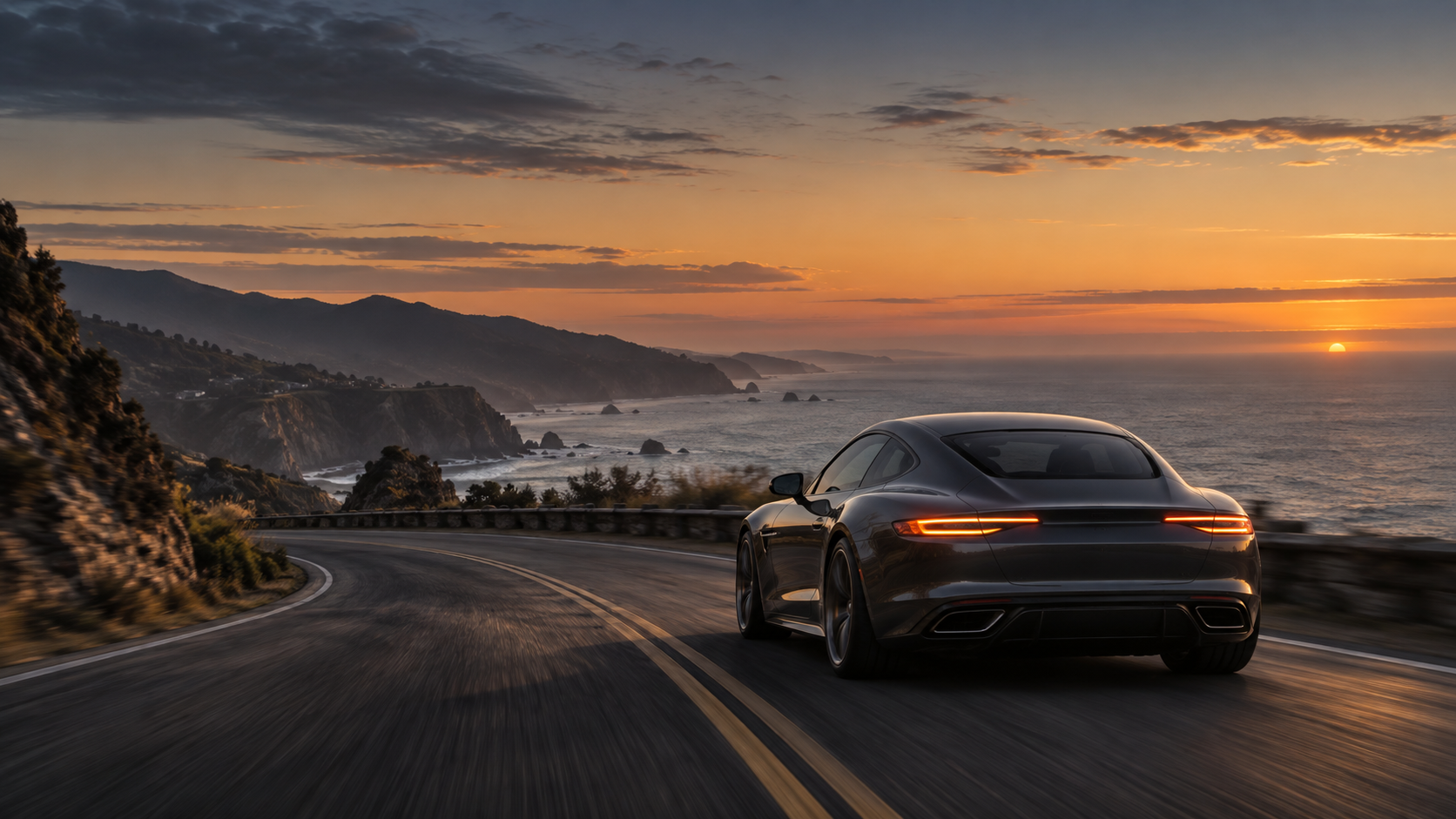
Photo previews, storyboards and prompts work now. AI video rendering is not connected.
What’s availableTHE CREATIVE STUDIO
Build a shot plan before you spend video-generation credits.
FROM IDEA TO A USABLE BRIEF
Use even lighting and a visible face or vehicle. Blurry references give a video model less information to work with.
A short clip works best with a clear camera move and a consistent subject. Add complexity after the first version works.
In your external video tool, review faces, hands, steering wheels and road motion. A strong prompt cannot guarantee a usable result.
BEFORE YOU START
Not yet. This preview edition builds a shot plan, an editable prompt and a downloadable storyboard. A video model and rendering service have not been connected.
No. The current preview reads your image locally in your browser. Removing it or closing the page clears the in-memory image; downloaded files remain on your device.
A PNG planning board containing your original reference and scene notes, plus a text prompt. These are not generated video frames or an MP4.
Yes. Choose “Car / vehicle” as the reference subject. The prompt will describe preserving the vehicle instead of a person's face.
Yes. There are no payments or subscriptions here. A separate video service may charge for rendering.